

Shoppers often decide within seconds whether your Amazon listing deserves a click or gets ignored. For American and Canadian sellers, every title is a chance to grab attention and drive results. The way you structure and present your title can directly affect search visibility, click-throughs, and conversions. Backed by research, the impact of the title goes beyond keywords—it can boost sales and help you stand out in a crowded marketplace. Discover strategies that transform your Amazon titles into powerful selling tools.
Table of Contents
- Amazon Titles And Their Impact
- Elements Of An Effective Amazon Title
- Advanced Keyword Strategies And Structure
- Mobile Visibility And Title Truncation
- Common Mistakes And How To Avoid Them
Key Takeaways
| Point | Details |
|---|---|
| Impact of Titles | A well-optimized Amazon title increases search visibility, click-through rates, and conversion rates, directly influencing sales. |
| Keyword Strategy | Prioritize primary keywords early in the title and use modifiers to increase relevance without keyword stuffing. |
| Mobile Optimization | Titles should be concise and clear as mobile displays truncate words; focus on the first 60 characters. |
| Avoid Common Mistakes | Steer clear of policy violations, unnecessary keyword repetition, and vague descriptions to maintain high visibility and conversion rates. |
Amazon titles and their impact
Your Amazon title is the first thing customers see, and it directly influences whether they click your listing or scroll past. Unlike other marketplaces, Amazon’s algorithm relies heavily on how well your title matches what shoppers are searching for. A strong title can drive traffic to your product; a weak one leaves sales on the table.
Titles impact three critical areas of your Amazon business:
- Search visibility – Amazon’s algorithm matches title keywords to customer searches, determining if your product appears on results pages
- Click-through rates – A clear, benefit-driven title increases the likelihood buyers click your listing over competitors
- Conversion rates – Descriptive, accurate titles set buyer expectations and reduce returns caused by mismatched expectations
Research into factors influencing product sales rank confirms that how you present your product—including your title—directly impacts your ability to drive sales globally. When customers can quickly understand what you’re selling, they convert at higher rates.
How Titles Affect Amazon’s Algorithm
Amazon doesn’t rank products based on keywords alone. The system evaluates whether your title matches the customer’s intent and whether shoppers are converting after finding your listing. A title that includes high-volume keywords but confuses buyers signals poor relevance to Amazon, hurting your rankings.
This is why stuffing keywords into a cluttered title backfires:
- Unreadable titles frustrate buyers and increase bounce rates
- Amazon detects poor performance and lowers your ranking
- Click-through rates drop when titles appear spammy
Your title must balance keyword optimization with readability—both matter equally to Amazon’s algorithm and your customers.
Real-World Impact on Your Bottom Line
Here’s what happens when you optimize your title properly. A 3-month test showed businesses that rewrote weak titles saw measurable gains:
- First 2 weeks – Increased impressions as Amazon shows your product to more relevant shoppers
- Weeks 3-6 – Click-through rates improve as clearer titles attract qualified buyers
- Weeks 7-12 – Conversion rates climb as fewer buyers feel misled by vague descriptions
Average sellers see 15-30% increases in monthly revenue from title optimization alone, depending on category and competition.
Pro tip: Test your title by searching for your main keyword in Amazon, then read your title alongside competitors’ titles. If yours is harder to scan or less specific, rewrite it to stand out immediately.
Elements of an effective Amazon title
A winning Amazon title isn’t random—it follows a specific structure that balances what Amazon’s algorithm wants with what customers actually need to see. Every element serves a purpose, from keywords to brand name to product specifications.
The core building blocks of an effective title are:
- Primary keyword – Your main search term, positioned near the beginning for maximum algorithm weight
- Product type or category – Clarifies exactly what you’re selling (e.g., “wireless earbuds,” “bed frame”)
- Key features or benefits – What makes your product different or special
- Brand name – Builds trust and helps loyal customers find you
- Specifications – Size, color, material, or quantity that buyers filter by
Strategic keyword placement at the beginning of your title significantly improves both algorithm ranking and shopper clarity. Amazon reads left-to-right, giving heavy weight to words at the start.

Keyword Placement Matters
Don’t bury your best keyword in the middle or end of your title. Customers scan titles quickly, and Amazon’s algorithm prioritizes early-appearing terms. Your primary keyword should appear in the first 3-5 words whenever possible.
Example structure that works:
- Primary keyword (most important search term)
- Secondary descriptor (category or type)
- Brand name
- Key feature or specification
- Additional specifications or quantity
This order tells both Amazon and customers what you’re selling before they run out of attention or character space.
Character Limits and Readability
Effective Amazon product titles combine keyword relevance with clarity while respecting platform constraints. Amazon displays approximately 80-100 characters on mobile and 140+ on desktop, but mobile is your bottleneck.
Your title must work when only 80 characters are visible. Write concisely and front-load critical information. Vague titles like “Amazing Product” waste precious space.
Pack your most important information into the first 80 characters—that’s what mobile shoppers see, and it’s what drives your click-through rate.
Avoid these title mistakes:
- Keyword stuffing (“blue shoes blue shoe blue shoe”)
- All caps or excessive punctuation (looks spammy)
- Brand names only, with no product descriptor
- Misleading features not actually in the product
Your title should read naturally. If it sounds awkward when you say it aloud, shoppers will find it awkward too.
Pro tip: Write your title, then remove one word at a time until you hit 80 characters while keeping the main keyword and product type intact—this forces clarity and cuts unnecessary padding.
Advanced keyword strategies and structure
Simple keyword placement isn’t enough anymore. Top-performing Amazon sellers use layered keyword strategies that capture multiple search intents within a single title. This approach maximizes your visibility across related searches without sounding forced.
The key is thinking beyond your primary keyword. Your title should capture variations and related terms that shoppers actually search for. When someone searches “blue running shoes,” they might also search “athletic shoes,” “training footwear,” or “mens sneakers.”
Building this structure takes strategy:
- Primary keyword first – Your highest-volume, most-relevant search term
- Secondary modifiers – Variations like size, color, or use case
- Long-tail phrases – Specific combinations that lower-competition shoppers use
- Attribute keywords – Material, style, or quality descriptors that filter-conscious buyers search for
When you layer keywords this way, you’re essentially writing one title that serves multiple search queries. A single well-structured title can rank for 15-20 different keyword variations without keyword stuffing.
The Power of Modifier Keywords
Modifier keywords are your secret weapon. These are words that sit next to your primary keyword and change its meaning or specificity. “Waterproof” modifies “hiking boots.” “Stainless steel” modifies “kitchen knife.” “Adjustable” modifies “bed frame.”
These modifiers matter because they:
- Increase relevance for specific search queries
- Help Amazon understand exactly what you’re selling
- Appeal to buyers filtering by specific features
- Reduce returns from buyers looking for something slightly different
Modifiers turn a generic keyword into a specific solution that matches what customers actually need to find.
Example of effective modifier structure: “Adjustable Stainless Steel Kitchen Knife with Grip Handle” captures “kitchen knife,” “stainless steel knife,” “adjustable knife,” and “grip handle knife” in one title.
Strategic Keyword Ordering
Advanced Amazon keyword strategies require understanding which searches drive the most traffic and conversions. Not all keywords are equally valuable.
Order your keywords by commercial intent first, then volume. A buyer searching “best blue running shoes” is further along in the buying journey than someone searching “shoes.” Target the intent, not just the volume.
Your structure should reflect this priority:
- Primary keyword with highest conversion rate
- Key modifier that increases specificity
- Brand name (if you have brand recognition)
- Secondary feature or use case
- Additional specifications or quantity
This ordering works because it front-loads the information that drives conversions, not just clicks.
Pro tip: Test your title by searching for your primary keyword in Amazon, clicking your listing, and noting which words you naturally read first—place those words at the beginning of your title to match customer scanning patterns.
Mobile visibility and title truncation
More than 50% of Amazon shoppers browse on mobile devices. This single fact changes everything about how you should write your title. What looks complete on a desktop screen disappears on a phone.
Amazon truncates titles on mobile at approximately 60-80 characters. That means everything after character 80 is hidden behind an ellipsis unless the buyer expands your title. You’re not just writing a title for desktop anymore—you’re writing for the mobile-first shopper who sees less than half your words.
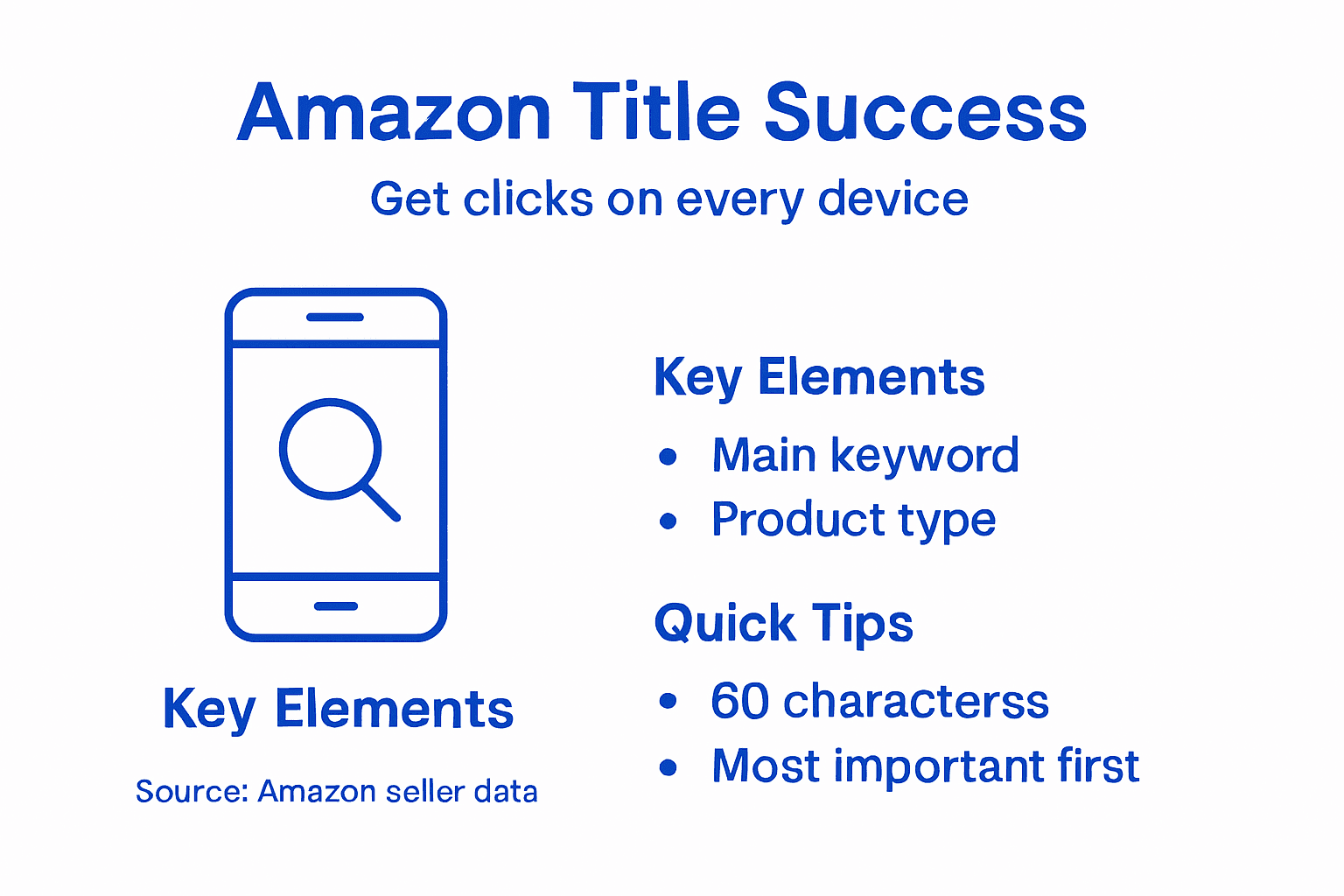
This constraint forces a hard choice: what information matters most?
The 60-Character Rule
Amazon product titles are often truncated on mobile devices at roughly 60-80 characters, making front-end clarity absolutely critical for conversion. Every character before that cutoff is prime real estate. Every character after is a gamble.
Your title structure should reflect this reality:
- Characters 1-20: Primary keyword (your most important search term)
- Characters 21-50: Product type and key modifier (what it is, what makes it special)
- Characters 51-80: Brand or standout feature (what builds trust or differentiation)
- Characters 81+: Additional specs (nice-to-have details that complete the picture)
When shoppers see your title on mobile, they see the first 60 characters and decide in seconds whether to click. That’s it. The rest is invisible until they take extra action.
Below is a quick reference guide for structuring Amazon product titles for optimal mobile and desktop visibility:
| Title Segment | Ideal Character Range | Placement Purpose | Example Content |
|---|---|---|---|
| Primary keyword | 1–20 | Capture main search intent | “Blue Running Shoes” |
| Product type/modifier | 21–50 | Specify product & features | “Waterproof, Lightweight” |
| Brand/standout feature | 51–80 | Build trust or highlight USP | “Nike, Extra Grip” |
| Additional specs | 81+ | Provide bonus details | “Size 10, Pack of 2” |
Why This Matters for Mobile Conversions
Mobile visibility challenges require sellers to prioritize essential product details upfront since mobile screens cut off longer titles. A buyer on their phone doesn’t see “waterproof” if you buried it on character 90. They don’t see “stainless steel” if it comes after the cutoff.
This directly impacts click-through rates and conversions. You’re losing visibility to buyers searching for features you mentioned—they just can’t see them on their screen.
Common mistakes that hurt mobile visibility:
- Putting your brand name first (wastes characters on information buyers already know)
- Listing specifications at the end (hidden on mobile)
- Using vague product descriptions early (“amazing,” “premium,” “best”—these don’t convert)
- Relegating your primary keyword past character 60
The first 60 characters determine whether mobile shoppers click your listing. Everything else is bonus content that most won’t see.
Testing Your Title on Mobile
You need to actually see what your title looks like on the device your customers use. Open Amazon on a phone, search your keyword, and look at your listing. What words are cut off? Are your most important keywords visible?
If your title reads awkwardly at character 60, rewrite it. If critical selling points disappear, move them up. Your desktop version doesn’t matter if mobile shoppers never see it.
Pro tip: Copy your title into a text counter tool, highlight the first 60 characters in a different color, and read only that portion out loud—if it doesn’t sound like a complete product description, truncation is hurting your mobile conversions.
Common mistakes and how to avoid them
Most Amazon sellers sabotage their own titles without realizing it. The mistakes are predictable and fixable—once you know what to look for. Understanding what kills title performance saves you months of lost sales.
The biggest title killers fall into a few categories. Some violate Amazon’s policies. Others confuse the algorithm. Still others repel buyers at first glance. All of them drag down your conversion rates.
Here’s a comparison of common Amazon title mistakes and their effects on sales performance:
| Mistake Type | How It Affects Visibility | Impact on Conversion | Risk Level |
|---|---|---|---|
| Keyword stuffing | Suppresses search ranking by Amazon | Buyers perceive listing as spam | High |
| Policy violations | Listing may be removed or hidden | Customers distrust misleading claims | Critical |
| Weak ordering | Key features hidden on mobile | Buyers skip unclear listings | Moderate |
| Ignoring device context | Essential details lost on mobile screens | Reduced click-through rate | High |
Keyword Stuffing and Over-Optimization
Common mistakes in title creation include keyword stuffing and exceeding character limits, which trigger algorithmic suppression and lower rankings. When you repeat keywords obsessively, Amazon’s system flags your listing as manipulative.
Keyword stuffing looks like this:
- “Blue shoes blue shoe blue shoe athletic footwear” (repetition)
- “Running shoes running shoe runner athletic shoe sneaker” (variations of the same term)
- “Waterproof hiking boots waterproof boots hiking waterproof” (excessive keyword repetition)
Amazon’s algorithm recognizes this as spam. Your listing gets suppressed. Buyers see it as low-quality. Both hurt your sales.
The fix is simple: mention each keyword once, in natural language. Use modifiers instead of repetition. “Waterproof hiking boots with ankle support” beats “waterproof hiking boots waterproof boots waterproof hiking.”
Violating Amazon’s Title Policies
Amazon has strict rules about what you can put in titles. Most sellers don’t read the guidelines and accidentally violate them. When you do, your listing gets suppressed or removed entirely.
Common policy violations include:
- Promotional language (“Best seller,” “Number 1,” “Award-winning”)
- Symbols and special characters (™, ®, ♪, ★, except where necessary)
- Misleading claims you can’t substantiate
- All caps text (except single-word acronyms like “LED”)
- Pricing or discount information (“50% off,” “$9.99”)
Violating Amazon’s title policies doesn’t just hurt rankings—it can get your listing removed entirely.
Read Amazon’s official Selling Partner guidelines before publishing any title. What feels like marketing gold might be grounds for suppression.
Ignoring Mobile Display and Device Context
Avoiding pitfalls involves steering clear of excessive keyword repetition and ignoring how titles display across devices, preventing loss in visibility. If your critical information disappears on mobile, you’ve already failed half your audience.
Don’t assume desktop visibility equals mobile success. Test every title on a phone. If your primary keyword gets cut off, move it forward.
Burying Your Most Important Information
Some sellers put brand names first, then product type, then features. By the time mobile shoppers see what you’re actually selling, the title is cut off. Your title should answer: What is this? Why should I care? In that order.
Weak order: “Brand Name – Premium Quality Blue Running Shoes with Waterproof Technology”
Strong order: “Blue Waterproof Running Shoes – Premium Quality Brand”
The second example gets the critical information in front, even on mobile.
Pro tip: Copy your title, delete every word after character 60, and read what’s left—if it doesn’t instantly tell buyers what you’re selling and why it matters, your mobile conversions are suffering.
Elevate Your Amazon Titles to Maximize Sales Fast
The article highlights a vital challenge sellers face: crafting Amazon titles that perfectly balance keyword optimization and readability to boost search visibility and conversion rates. Many sellers struggle with keyword stuffing, poor keyword placement, and losing critical information to mobile truncation. Your goal is clear – create sharp, compelling titles that capture shopper attention immediately and satisfy Amazon’s algorithm demands.
At SearchOneers, we specialize in tackling these exact pain points with our expert Amazon Listing Optimization services. We enhance your titles, bullet points, and descriptions while integrating backend keywords strategically. Our data-driven approach to Amazon SEO & Analytics ensures your listings evolve with marketplace trends, helping you recover lost sales and dominate keyword rankings without risking policy violations.
Ready to unlock the full potential of your Amazon listings with titles that convert and rank?
Take the next step now and visit SearchOneers to discover how our tailored optimization solutions can transform your product listings into powerful sales drivers. Don’t let poor titles limit your Amazon success any longer.
Frequently Asked Questions
What key elements should be included in an Amazon title?
An effective Amazon title should include your primary keyword, product type or category, key features or benefits, brand name, and specifications. This structure helps both Amazon’s algorithm and shoppers understand what you’re selling.
How does keyword placement affect my Amazon title’s performance?
Keyword placement is crucial because Amazon’s algorithm prioritizes words that appear early in the title. Your primary keyword should ideally be within the first 3-5 words to maximize visibility and search relevance.
What common mistakes should I avoid when creating an Amazon title?
Avoid keyword stuffing, violating Amazon’s title policies (like using promotional language), and misplacing important information. Also, ensure your title reads clearly and concisely, especially for mobile users where truncation can occur.
How can I optimize my Amazon title for mobile visibility?
To optimize for mobile, make sure the critical information is front-loaded within the first 60-80 characters. Test your title on a mobile device to see what shoppers will actually view, ensuring important keywords and product features are visible without truncation.
Recommended
- Title Optimization Amazon: Boost Rankings and Clicks Fast – Searchoneers
- How to Improve Sales in Amazon: Proven Listing Strategies – Searchoneers
- Amazon Listing SEO: Boosting Visibility and Sales Fast – Searchoneers
- 7 Amazon Selling Tips to Maximize Listing Performance – Searchoneers
- 10 Essential Tips for Boosting Online Sales – Affinsy Blog | Affinsy
