

Maybe your last restock felt routine, but one slow-moving product quietly ate into your profits while another soared. For seasoned Amazon sellers in North America, fine-tuning listings and predicting inventory trends is crucial to staying ahead. Advanced tactics like machine learning models for inventory forecasting and structured keyword placement can transform performance analysis into sustained sales growth and higher visibility.
Table of Contents
- Step 1: Conduct Inventory Performance Analysis
- Step 2: Refine Titles, Bullets, And Descriptions
- Step 3: Integrate Data-Driven SEO Strategies
- Step 4: Monitor And Adjust Listing Performance
Quick Summary
| Key Insight | Explanation |
|---|---|
| 1. Analyze Inventory Performance | Categorize products based on sales velocity and storage costs to identify which items are profitable and which need action. |
| 2. Optimize Product Titles and Descriptions | Use concise, benefit-focused content in titles and bullet points to improve click-through and conversion rates effectively. |
| 3. Implement Data-Driven SEO Strategies | Identify target keywords through data analysis to enhance visibility and drive traffic to your listings effectively. |
| 4. Monitor Listing Performance Consistently | Set a schedule for weekly reviews of key metrics to catch conversion issues early and adapt quickly to changing trends. |
| 5. Test Changes Gradually | Make one change at a time to your listings and measure the impact before implementing further adjustments to identify what works best. |
Step 1: Conduct Inventory Performance Analysis
Inventory performance analysis reveals which products are thriving and which are draining your resources. This step transforms raw data into actionable insights that directly impact your bottom line.
Start by gathering your core metrics. Pull data on sales velocity, sell-through rate, inventory turnover, and storage costs for each SKU. Most sellers overlook storage fees until they realize a slow-moving item costs more to store than it generates in profit. Your Amazon dashboard provides this data, but consider exporting it to a spreadsheet for deeper analysis.
Next, categorize your inventory into performance tiers:
Here’s how each inventory performance tier impacts your Amazon business:
| Performance Tier | Sales Pattern | Financial Impact | Action Needed |
|---|---|---|---|
| High Performer | Sells rapidly with low storage costs | Increases profit and cash flow | Maintain stock levels |
| Steady Seller | Consistent sales, moderate costs | Stable profit, predictable turnover | Regular restocking |
| Slow Mover | Sells slowly, higher storage fees | Reduces overall profit | Consider discounts or removal |
| Dead Weight | Little or no sales, high cost | Ties up capital and space | Liquidate or discontinue |
- High performers – Fast-moving products with healthy margins and low storage costs
- Steady sellers – Consistent performers that maintain your sales baseline
- Slow movers – Items with declining velocity or high holding costs
- Dead weight – Products that haven’t sold in 90+ days
Use machine learning models for inventory forecasting to predict which items will overstock, normalize, or understock in the coming weeks. This predictive approach catches problems before they tank your performance metrics.
Your inventory tells a story – listen to what the data is saying about each product before making restocking decisions.
Calculate the true cost of holding each product. Include Amazon’s storage fees, your acquisition cost, and any prep expenses. A $15 item with minimal turnover can cost you $8 monthly to store – that’s $96 annually eating into profits. These hidden costs reveal which products deserve shelf space.
Look beyond individual SKUs. Analyze your inventory by category, brand, or price point. You might discover that your electronics category moves quickly while home goods stagnate. Category-level analysis helps you rebalance your overall portfolio.
Review seasonal patterns. Products that underperformed in March might explode in June. Understanding these cycles prevents you from liquidating seasonal items too early or overstocking the wrong season.
Pro tip: Set up a monthly inventory audit on the same date each month – consistency in tracking reveals true trends and prevents seasonal noise from clouding your analysis.
Step 2: Refine Titles, Bullets, and Descriptions
Your title, bullets, and description are the only salespeople your product has. These three elements decide whether shoppers click, read further, or scroll to a competitor. Refining them transforms browsers into buyers.
Start with your title. Front-load it with your brand name and primary product descriptor. Include your most important keyword naturally, but avoid cramming every variation into one sentence. A title like “Premium Stainless Steel Coffee Maker with Timer and Brew Control” outperforms “Coffee Maker Coffee Machine Espresso Maker Latte Cappuccino Brewer.” The first helps shoppers understand what you sell. The second looks like spam.

Keep your title under 200 characters. Amazon actually rewards concise, readable titles with better placement. Follow Amazon content guidelines that emphasize clarity over keyword density.
Next, tackle your bullet points. You get five of them, and each is precious real estate. Don’t waste them listing obvious features. Instead, lead with customer benefits, then support with specific details.
- Benefit first – “Brews in 30 seconds” beats “Has fast brewing capability”
- Address pain points – “No more burnt coffee” resonates with frustrated users
- Include measurable specs – “Holds 12 cups” matters more than “Large capacity”
- Keep it tight – Stay under 200 characters per bullet for readability
Strong bullet points answer the question shoppers are really asking: “Will this solve my problem?” Answer that first, then provide proof.
Your product description is where you tell the full story. Use strategic keyword placement in descriptions to improve search relevance without forcing it. A natural description that addresses common questions converts better than keyword-stuffed paragraphs. Explain use cases, materials, dimensions, and what makes your product different.
Add formatting to descriptions. Short paragraphs, bold text, and white space make content scannable. A wall of gray text loses readers.
Test variations. Take your top three competitors and study their titles, bullets, and descriptions. You’re not copying them – you’re learning what the market expects and finding gaps they missed.
Pro tip: Review your listing from a customer perspective before publishing: read your title aloud, scan your bullets in 10 seconds, and ask if the description answers your own objections about the product.
This summary highlights which listing areas impact product visibility and conversion:
| Listing Area | SEO Influence | Buyer Conversion | Common Mistake |
|---|---|---|---|
| Title | High | Moderate | Keyword stuffing |
| Bullets | Moderate | High | Listing features only |
| Description | Moderate | High | Dense, unformatted text |
| Backend Terms | High | Low | Repeating keywords |
Step 3: Integrate Data-Driven SEO Strategies
Data-driven SEO transforms guessing into strategy. Instead of hoping keywords rank, you’ll know exactly which terms drive traffic and conversions for your products. This step bridges your listing optimization with actual search performance.
Start by identifying your target keywords. Pull search term data from your Amazon Advertising console and Seller Central. Look for terms with high search volume and low competition in your category. These are your quick wins. Then layer in secondary keywords that address specific customer needs and pain points.
Understand that Amazon’s A10 algorithm rewards strategic keyword placement across multiple content areas. Your title, bullets, description, and backend search terms all work together. A keyword appearing only in your title carries less weight than one woven through title, bullets, and backend fields.
Structure your backend search terms strategically:
- Lead with high-priority keywords – Place your most valuable terms first
- Avoid keyword repetition – Use singular and plural forms, but don’t repeat the same term
- Include customer language – Add terms your target audience actually searches for
- Skip obvious keywords – Don’t waste space on words already in your title
Monitor your performance weekly. Track which keywords drive clicks, which convert, and which drain your ad spend without sales. Amazon’s search term report reveals real customer behavior, not what you think they search for.
Your data tells you what works. Listen to it instead of following what competitors do or what you assume customers want.
Test variations systematically. Change one element at a time—swap a keyword in your title, update a bullet point, refresh your description. Measure the impact over 7 to 14 days before making another change. This prevents wasting time on adjustments that don’t move the needle.
Use automation tools to scale your keyword research and monitoring. Manual tracking works for a few SKUs, but most serious sellers manage dozens or hundreds of products. Automation platforms help identify patterns across your inventory.
Pro tip: Create a simple spreadsheet tracking your top 10 keywords for each product, including search volume, current ranking position, and monthly conversion rate—review it monthly to spot declining keywords before they kill your sales momentum.
Step 4: Monitor and Adjust Listing Performance
Optimization doesn’t end at launch. Your listing is a living document that needs constant monitoring and refinement. Small adjustments based on real performance data compound into significant sales gains over months.
Set up a weekly monitoring routine. Check your conversion rate, click-through rate, and average customer review rating. These metrics reveal whether your listing is actually converting browsers into buyers. A high click-through rate with low conversions means your title and thumbnail work, but your description or pricing doesn’t convince shoppers.
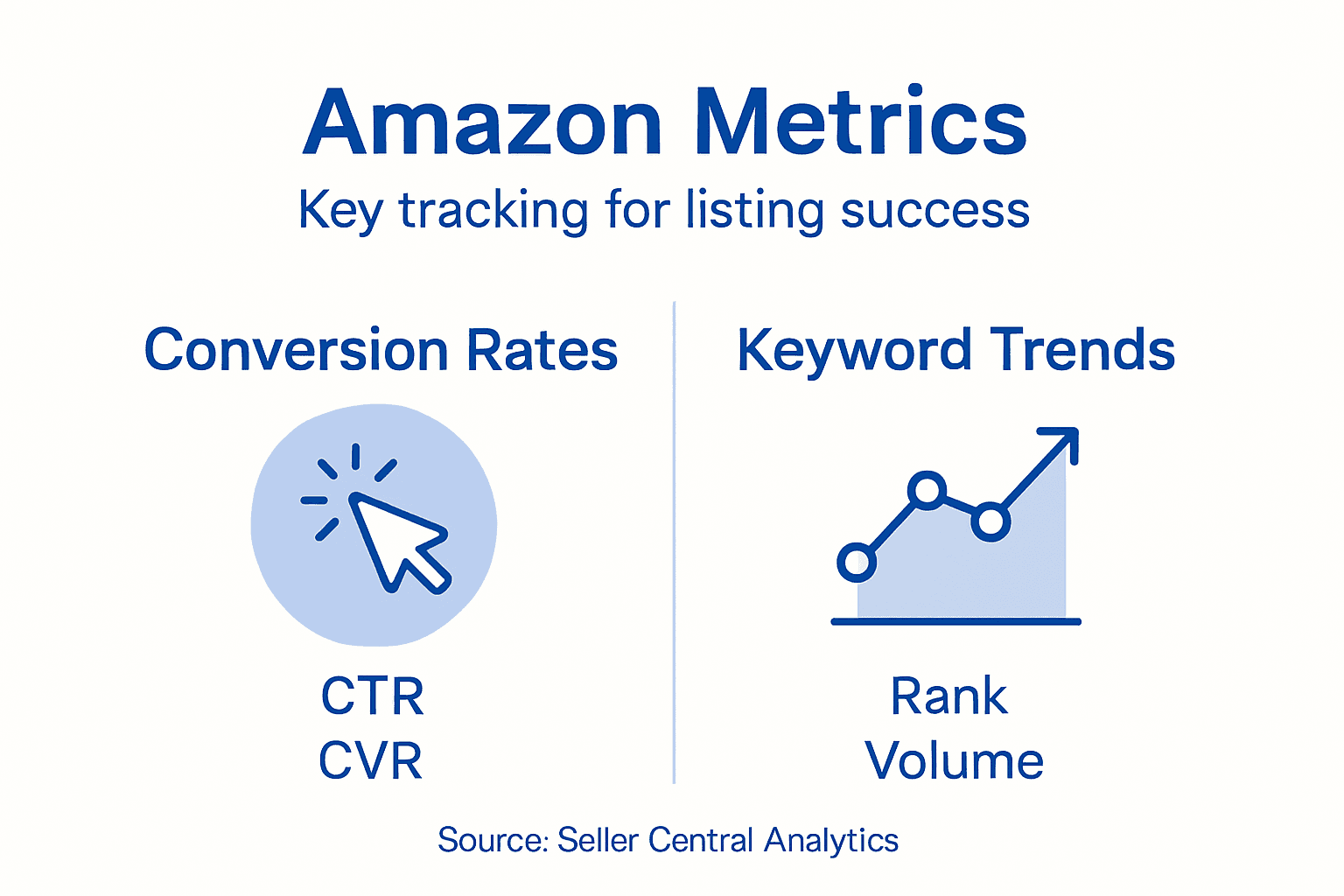
Track your search visibility for your target keywords. Which positions are you ranking for? Are you moving up or down? Position three to seven is prime real estate where you can push into the top three with focused optimization. Position ten and beyond needs urgent attention.
Review your customer questions and negative reviews weekly. These are free market research. Customers point out exactly what’s confusing or missing from your listing. If three people ask the same question, your description needs to address it.
Create a simple tracking system for your top metrics:
- Conversion rate – Your primary health indicator
- Click-through rate – Shows title and image effectiveness
- Units sold – The actual revenue driver
- Average customer review – Trust factor that impacts conversions
- Keyword positions – SEO performance indicator
Real data beats assumptions every time. If your conversion rate drops, something changed. Find it and fix it before the problem compounds.
When you identify a problem, diagnose the cause before adjusting. Low conversion rate could mean poor product images, vague bullet points, high pricing relative to competitors, or a flooded market. Each requires a different fix. Understanding Amazon listing health metrics helps you interpret what the numbers mean.
Test one change at a time and measure for at least seven days before making another adjustment. Multiple simultaneous changes make it impossible to know which one actually moved the needle. Patience compounds your optimization efforts.
Scale what works. If a new bullet point increases conversions by 8 percent, apply that language structure to other listings in your catalog. Document your wins and replicate them across your inventory.
Pro tip: Set calendar reminders for the first Monday of each month to review your top 20 listings—this prevents performance problems from hiding for weeks while you focus on new product launches.
Take Control of Your Amazon Listings for Maximum Sales
Struggling with slow inventory turnover or low product visibility is a common challenge highlighted in “Optimize Amazon Inventory Listings for Higher Sales.” You know that refining titles, bullet points, and descriptions is crucial but understanding how to do it with data-backed precision feels overwhelming. Key pain points like facing hidden storage costs, low conversion rates, and ineffective keyword strategies can drain profits and stall growth. Our solutions at Search Oneers specialize in transforming these exact concerns into competitive advantages.
Unlock the power of Amazon Listing Optimization with expertly crafted titles and compelling bullet points that speak directly to customer pain points. Combine that with our Amazon SEO & Analytics services to harness real data and adapt quickly to marketplace shifts. Don’t let slow movers or dead weight products hold back your business growth. Visit Search Oneers now to discover how smart listing optimization paired with intelligent analytics can boost your Amazon sales today.
Frequently Asked Questions
How can I conduct an inventory performance analysis for my Amazon listings?
Start by gathering core metrics like sales velocity, sell-through rate, inventory turnover, and storage costs for each SKU. Use this data to categorize your inventory into performance tiers, which will guide your restocking and promotional decisions.
What are the key elements to optimize in my Amazon product listings?
Focus on improving your title, bullet points, and product description. Ensure your title is concise and informative, lead bullet points with customer benefits, and format your description clearly to highlight key features and use cases.
How can I use data-driven SEO strategies to boost my Amazon sales?
Identify target keywords by analyzing search term data from your Amazon accounts. Incorporate high-volume, low-competition keywords into your title, bullets, and backend terms, regularly monitoring their performance to ensure ongoing optimization.
What metrics should I track to measure my Amazon listing performance?
Monitor your conversion rate, click-through rate, average customer review rating, and keyword positions weekly. Establish a tracking system to identify any significant changes, allowing you to diagnose and address issues quickly.
How often should I update and review my Amazon listings?
Establish a routine to review your listings weekly for key performance indicators like conversion rates and search visibility. Make adjustments based on real performance data, and schedule a more thorough monthly audit of your top listings to catch any potential problems early.

Comments
9 responses to “Optimize Amazon Inventory Listings for Higher Sales”
[…] feedback reveals how well the provider delivers on promises and handles challenges. Explore various Amazon cataloging service options to understand the range of approaches and pricing models […]
[…] you realize it applies to dozens of SKUs simultaneously during peak selling periods. Strategic inventory optimization directly addresses this […]
[…] optimizing your Amazon inventory listings ensures your fulfillment investments translate into maximum sales performance. Well-optimized […]
[…] inventory optimization workflows that automatically flag slow-moving SKUs for price reductions or removal before they accumulate six […]
[…] Optimize Amazon Inventory Listings for Higher Sales – Searchoneers […]
[…] excellence alongside sales volume. Sellers who maintain consistent inventory through our optimize Amazon inventory listings strategies gain compounding advantages as competitors struggle with penalty cycles. The system now […]
[…] amazon seo optimization basics explains how paid and organic strategies work together, while optimize amazon inventory listings higher sales shows how to maintain momentum as you scale. For current ranking factors, review organic rank on […]
[…] Overly long titles create multiple problems for your listing performance. When titles exceed Amazon’s character limits, the platform automatically truncates them, often cutting off crucial product information. Mobile shoppers see even less of your title, typically only the first 80 characters. Many sellers lose sales due to keyword stuffing and non-compliant titles that reduce listing visibil…. […]
[…] you need to understand which listing components matter most for conversion and visibility. Analyzing product titles, descriptions, images, keywords, pricing, and reviews is crucial to optimize listings effectively. Each element serves a distinct purpose in attracting […]