

More than 60 percent of american brands selling on Amazon struggle to turn scattered data into clear sales strategies. With competition growing each year, understanding which reports matter most and how to organize your numbers sets successful sellers apart. This guide breaks down the process step by step, showing you how to unlock practical insights from your Amazon data so you can make smarter decisions and drive real sales growth.
Table of Contents
- Step 1: Set Up Accurate Amazon Data Sources
- Step 2: Extract and Organize Key Performance Metrics
- Step 3: Analyze Traffic, Conversion, and Sales Patterns
- Step 4: Identify Opportunities for Listing Optimization
- Step 5: Verify Results with Data-Driven Adjustments
Quick Summary
| Key Insight | Explanation |
|---|---|
| 1. Utilize Accurate Data Sources | Establish reliable data sources from Amazon Seller Central to gain comprehensive insights into business performance. |
| 2. Organize Essential Metrics | Track critical performance metrics systematically to facilitate effective analysis and informed decision-making. |
| 3. Analyze Traffic and Conversion Trends | Examine traffic sources and sales patterns to identify correlations that can optimize performance. |
| 4. Conduct Listing Audits for Improvements | Regularly audit product listings to find optimization opportunities based on competitor analysis and consumer behavior. |
| 5. Validate Results with Data Adjustments | Implement a robust system to verify performance changes, ensuring that data truly reflects the impact of adjustments made. |
Step 1: Set Up Accurate Amazon Data Sources
Building a powerful Amazon sales strategy starts with establishing reliable data sources that provide comprehensive insights into your business performance. According to arXiv, effective data collection involves gathering detailed consumer purchase histories that go beyond standard aggregate metrics.
To set up accurate Amazon data sources, start by accessing your Amazon Seller Central dashboard and exploring the built-in reporting tools. Focus on extracting key performance indicators like sales volume, conversion rates, customer demographics, and product performance metrics. The business reports overview can help you understand which specific reports will provide the most actionable insights for your business.
When collecting data, prioritize consistency and comprehensiveness. Cross reference multiple data points to ensure accuracy and look for patterns that reveal meaningful trends. Pro tip: download reports regularly and maintain a structured archive of your data to track long term performance and identify emerging opportunities in your product lines.
As you complete this initial data source setup, you will be prepared to dive deeper into analyzing your Amazon sales performance with confidence and precision.
Step 2: Extract and Organize Key Performance Metrics
Understanding and organizing your Amazon sales performance metrics is crucial for developing a strategic approach to growth. arXiv research highlights the importance of systematically analyzing performance data, particularly through comprehensive datasets that reveal nuanced insights about product search and consumer behavior.
Start by identifying the most critical performance metrics in Amazon Seller Central. Focus on key indicators such as sales volume, conversion rates, click through rates, average order value, and customer reviews. Create a spreadsheet or use specialized analytics tools to track these metrics consistently. Pay special attention to why updating Amazon listings can directly impact these performance indicators.

When organizing your metrics, develop a standardized tracking system that allows for easy comparison across different time periods. Group your data into logical categories like product performance, customer engagement, and revenue streams. A helpful strategy is to color code or use visual graphs that make trend identification more intuitive. Pro tip: Set up automated monthly reports to ensure you always have the most current performance snapshot without manual data gathering.
By meticulously extracting and organizing your key performance metrics, you will transform raw data into actionable intelligence that can drive your Amazon sales strategy forward.
Step 3: Analyze Traffic, Conversion, and Sales Patterns
Deep diving into your Amazon sales performance requires a strategic approach to understanding complex data patterns. arXiv research reveals critical insights into how factors like product views and pricing directly influence sales rank and overall performance metrics.
To effectively analyze your traffic and conversion patterns, start by examining your Amazon Seller Central analytics dashboard. Focus on key metrics such as page views, click through rates, and conversion rate benchmarks. Look for correlations between traffic sources, product visibility, and actual sales conversions. Pay close attention to how small changes in product listings or pricing might impact your overall performance.
When tracking sales patterns, create visual representations of your data to identify trends and seasonality. Break down your analysis by product category, time periods, and customer segments. A helpful strategy is to develop a comprehensive spreadsheet that tracks monthly performance indicators, allowing you to spot emerging opportunities or potential challenges. Pro tip: Compare your performance against industry benchmarks and look for consistent patterns that can inform your future marketing and inventory strategies.
By systematically analyzing your traffic, conversion, and sales patterns, you will transform raw data into a powerful roadmap for Amazon sales growth and optimization.
Step 4: Identify Opportunities for Listing Optimization
Understanding how to strategically improve your Amazon product listings requires a data-driven approach. Qeios research highlights the critical role of evidence-based decision-making in driving sales revenue through precise listing optimization strategies.
To identify potential optimization opportunities, begin by conducting a comprehensive audit of your current product listings. Analyze elements such as product titles, images, bullet points, and descriptions through the lens of how to optimize Amazon listings. Pay special attention to high-performing competitor listings and look for gaps in your own presentation that could be improved. Focus on metrics like click through rates, conversion rates, and customer engagement to pinpoint specific areas needing refinement.
Machine learning techniques can provide powerful insights into potential listing improvements. Examine customer search patterns, review historical performance data, and look for subtle nuances that might increase your product visibility. Pro tip: Create a side by side comparison of your listings with top performing competitors, identifying specific elements that could be enhanced to attract more potential buyers. Use data visualization tools to help you quickly spot trends and opportunities that might otherwise go unnoticed.
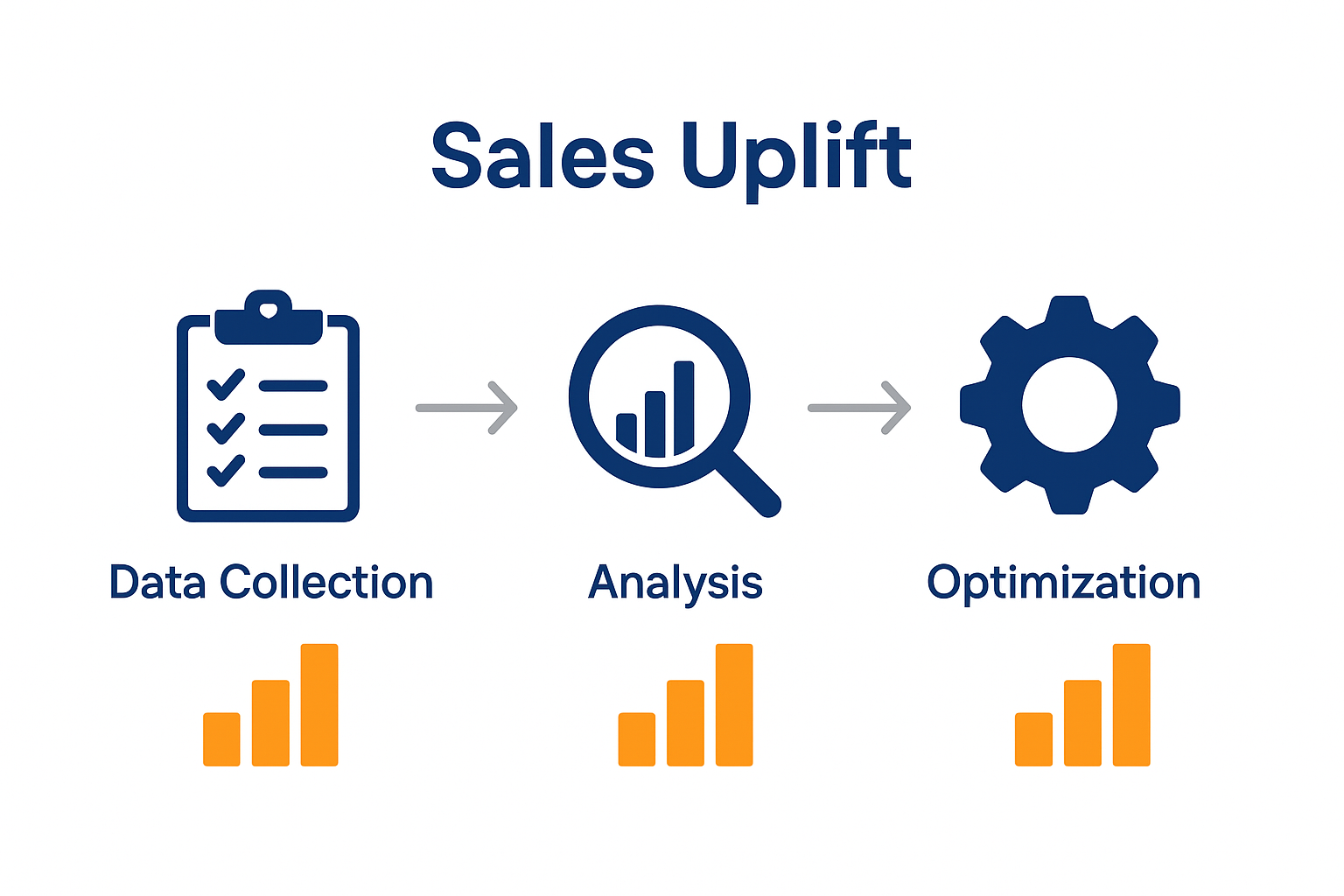
By systematically identifying and implementing listing optimization strategies, you will create more compelling product presentations that attract and convert potential customers more effectively.
Step 5: Verify Results with Data-Driven Adjustments
Navigating the complex world of Amazon sales requires a systematic approach to validating your performance strategies. Wikipedia research illuminates the nuanced landscape of online retail, demonstrating how strategic data analysis can unlock profound insights into product performance and market positioning.
To effectively verify your results, establish a robust tracking system that monitors key performance indicators before and after implementing any changes. Create comparative dashboards that allow you to see precise measurements of metrics such as conversion rates, click through rates, and overall sales volume. 10 effective ways to increase Amazon sales can provide additional context for interpreting your performance data.
When analyzing your results, look beyond surface level metrics and dig into the underlying patterns. Segment your data by product categories, customer demographics, and time periods to uncover subtle trends that might not be immediately apparent. Pro tip: Implement a 30 day testing window for each significant adjustment, ensuring you have sufficient data to make informed decisions. Use statistical significance calculations to determine whether changes are genuinely impactful or merely coincidental.
By rigorously verifying your results through methodical data driven adjustments, you will transform raw numbers into a strategic roadmap for sustained Amazon sales growth.
Unlock Your Amazon Sales Potential with Data-Driven Expertise
Struggling to transform complex Amazon data into effective sales strategies is a common challenge for sellers who want reliable growth. This article highlights how critical it is to accurately collect and analyze your sales metrics, identify traffic and conversion patterns, and optimize listings based on solid evidence. If you want to overcome these hurdles and turn raw numbers into actionable insights you can trust explore proven strategies in E-commerce Tips & Strategies to Grow Your Online Business.

Take control of your Amazon success today by partnering with experts who specialize in Amazon Listing Optimization and Amazon SEO & Analytics. Our team at SearchOneers crafts enhanced product titles, bullets, descriptions, and backend keywords that improve visibility and drive conversions. We use smart, data-backed methods that evolve as the marketplace changes. Don’t wait to see what optimized data evaluation and tailored listing enhancements can do for your sales performance. Visit SearchOneers now to start turning insights into growth.
Frequently Asked Questions
How can I set up accurate data sources on Amazon?
To set up accurate data sources on Amazon, start by accessing your Amazon Seller Central dashboard and utilizing the built-in reporting tools. Focus on extracting key performance indicators like sales volume and conversion rates to gain comprehensive insights into your business performance.
What key performance metrics should I track for my Amazon sales?
The most critical performance metrics to track include sales volume, conversion rates, click-through rates, and average order value. Organize these metrics in a spreadsheet to maintain consistency and easily analyze performance over time.
How can I analyze traffic and conversion patterns on Amazon?
To analyze traffic and conversion patterns, examine your analytics dashboard and focus on key metrics such as page views and conversion rates. Create visual representations of this data to identify trends and seasonality in your sales performance.
What strategies can I use to optimize my Amazon product listings?
Begin by conducting a comprehensive audit of your current product listings, examining titles, images, and descriptions. Compare your listings against top competitors to identify gaps and improve click-through rates and conversion rates.
How do I verify the results of my Amazon sales strategies?
Verify your results by establishing a tracking system for key performance indicators before and after implementing changes. Use comparative dashboards to monitor metrics like conversion rates over a 30-day testing window to validate the impact of your adjustments.
What should I do if I notice inconsistencies in my Amazon performance data?
If you notice inconsistencies in your performance data, review your data collection methods to ensure accuracy and comprehensiveness. Cross-reference multiple data points to identify any patterns or issues that may require correction.

Comments
3 responses to “How to Evaluate Amazon Data for Stronger Sales Results”
[…] Mastering performance tracking techniques requires a systematic approach to analyzing key metrics that reveal your product’s true market potential. Think of these analytics as your personal business intelligence dashboard. […]
[…] Evaluating Amazon sales data transforms raw metrics into actionable strategic intelligence. Performance reports track critical indicators that determine your success on the platform, including seller ranking, customer satisfaction, and overall account health. […]
[…] How to Evaluate Amazon Data for Stronger Sales Results – Searchoneers […]