

Many Amazon sellers believe Sponsored Products are too complex or expensive to justify, but the reality is simpler and more rewarding. Sponsored Products are pay-per-click ads that place your listings directly in front of shoppers actively searching for products like yours. When used strategically, they amplify visibility, drive conversions, and complement your organic optimization efforts. This guide breaks down what Sponsored Products are, how they function, and how to launch and optimize campaigns that deliver measurable results in 2026. You’ll learn targeting options, setup steps, performance metrics, and expert strategies to avoid common pitfalls and maximize your advertising investment.
Table of Contents
- What Are Amazon Sponsored Products And How Do They Work?
- Types Of Amazon Sponsored Product Campaigns And Targeting Options
- How To Create, Launch, And Optimize An Amazon Sponsored Products Campaign
- Common Mistakes And Best Practices For Successful Amazon Sponsored Products Campaigns
- Enhance Your Amazon Advertising With Expert Listing Optimization
- Frequently Asked Questions
Key takeaways
| Point | Details |
|---|---|
| Sponsored Products are PPC ads | They promote individual product listings within Amazon search results and detail pages, using a cost-per-click model. |
| Targeting drives relevance | Automatic and manual targeting options let you reach shoppers through keywords, product matches, and behavioral signals. |
| Optimization is continuous | Regular monitoring of metrics like ACoS, CTR, and conversions ensures campaigns stay profitable and efficient. |
| Listings must be strong first | Advertising weak or incomplete listings wastes budget; optimize titles, images, and descriptions before launching ads. |
| Strategic use boosts ROI | Combining Sponsored Products with organic SEO and iterative testing maximizes visibility and sales growth. |
What are Amazon sponsored products and how do they work?
Sponsored Products are pay-per-click advertisements that showcase individual product listings across Amazon’s ecosystem. Unlike organic search results, these ads guarantee placement in high-traffic areas where shoppers are actively browsing and making purchase decisions. Sponsored Products ads appear within Amazon search results and on product detail pages, targeting shopper intent, making them one of the most direct ways to capture demand.
The system operates on an auction-based model. You select keywords or products you want to target, set a maximum bid you’re willing to pay per click, and Amazon’s algorithm determines when and where your ad appears based on relevance, bid amount, and listing quality. When a shopper clicks your ad, you pay the bid amount, and the shopper lands on your product detail page. This means you only pay for engaged traffic, not passive impressions.
Sponsored Products differ from other Amazon ad formats in scope and placement. Sponsored Brands feature your logo and multiple products in banner-style ads, while Sponsored Display retargets shoppers off Amazon or promotes products across the site. Sponsored Products focus exclusively on single-product promotion within search and browse contexts, making them ideal for driving immediate conversions.
The benefits are clear. Increased visibility puts your products in front of more shoppers, often above organic results. Higher placement typically translates to more clicks and sales, especially for competitive keywords where organic ranking is difficult. The challenge lies in understanding the mechanics: keyword selection, bid management, and performance tracking require ongoing attention.
Here’s what makes Sponsored Products effective:
- They capture high-intent shoppers already searching for relevant products
- Placement in search results and competitor pages expands reach
- Performance data reveals which keywords and products drive conversions
- Budget control prevents overspending while testing strategies
“Sponsored Products bridge the gap between organic visibility and immediate sales opportunity, giving sellers control over where and when their products appear.”
For sellers new to Amazon advertising, Sponsored Products offer the most straightforward entry point. The learning curve is manageable, and results are measurable. To explore foundational strategies, check out amazon sponsored products essentials and amazon sponsored product 2026 guide.
Types of Amazon sponsored product campaigns and targeting options
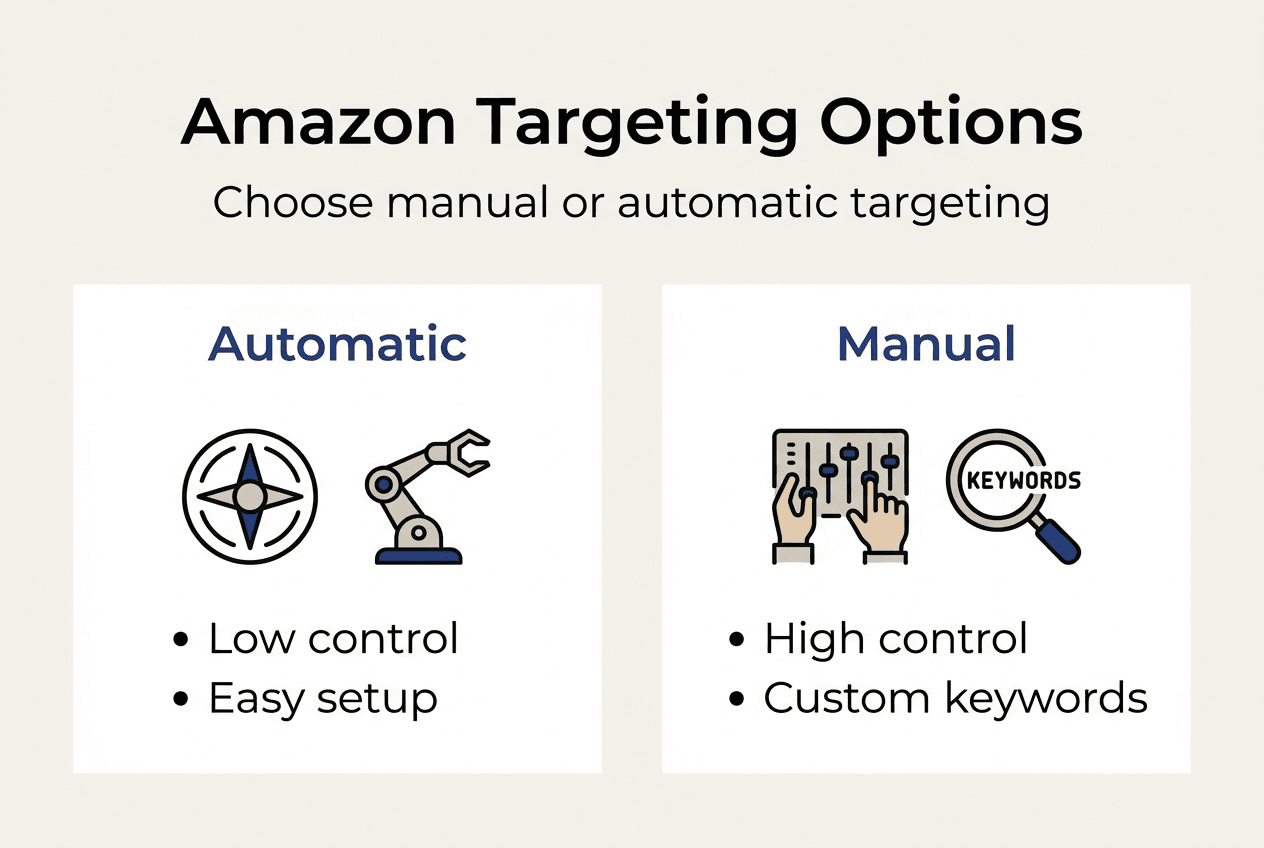
Amazon provides two primary targeting methods for Sponsored Products: automatic and manual. Each serves different strategic purposes and offers varying levels of control over where your ads appear. Understanding when and how to use each type is essential for campaign success.

Automatic targeting lets Amazon’s algorithm match your ads to relevant searches and products based on your listing content. The system analyzes your title, bullet points, description, and backend keywords to determine which shopper queries and product pages are most relevant. This approach requires minimal setup and works well for new sellers or products without historical data. Amazon offers automatic and manual targeting options for Sponsored Product campaigns to control ad reach and efficiency, allowing sellers to balance ease and precision.
Manual targeting gives you full control over keyword selection and product targeting. You choose specific search terms or competitor ASINs where you want your ads to appear. This method demands more effort but delivers better efficiency once you understand which keywords convert. Manual campaigns also support negative keywords, which prevent your ads from showing for irrelevant searches, reducing wasted spend.
Within manual targeting, you can select from three keyword match types:
- Broad match triggers your ad for searches containing your keyword in any order, plus related variations
- Phrase match shows ads for searches containing your exact keyword phrase in the specified order, with additional words before or after
- Exact match displays ads only when the search query exactly matches your keyword, offering maximum control and relevance
| Feature | Automatic Targeting | Manual Targeting |
| — | — |
| Control level | Low (Amazon decides placements) | High (you select keywords/products) |
| Setup effort | Minimal (quick launch) | Moderate (requires keyword research) |
| Cost efficiency | Variable (broad reach, some waste) | Higher (focused on proven terms) |
| Best use case | New products, data gathering | Optimized campaigns, scaling winners |
Negative keywords are critical for refining targeting. If your automatic campaign shows your product for irrelevant searches, adding those terms as negatives prevents future wasted clicks. For example, if you sell premium leather wallets and your ad appears for “cheap wallet,” adding “cheap” as a negative keyword stops that mismatch.
Pro Tip: Launch automatic campaigns first to gather search term data, then use high-performing keywords in manual campaigns with exact match targeting for maximum efficiency. This two-step approach combines discovery with optimization.
To enhance your targeting strategy, explore optimize for amazon product visibility and amazon listing optimization workflow for complementary tactics.
How to create, launch, and optimize an Amazon sponsored products campaign
Launching your first Sponsored Products campaign involves straightforward steps within Amazon Seller Central. Before you begin, ensure your product listings are optimized with clear titles, high-quality images, competitive pricing, and sufficient inventory. Advertising a weak listing wastes budget and frustrates shoppers.
Follow these steps to create your campaign:
- Navigate to the Advertising tab in Seller Central and select Campaign Manager
- Click “Create campaign” and choose “Sponsored Products”
- Name your campaign and set a daily budget (start conservatively, around $10 to $20 per day)
- Select products to advertise (choose listings with strong conversion history or high inventory)
- Choose automatic or manual targeting based on your experience and goals
- For manual campaigns, add keywords or product targets and set bids
- Review settings and launch the campaign
Once live, your campaign generates data you must monitor and act upon. Effective Sponsored Products campaigns require ongoing monitoring and keyword optimization to maximize returns, so treat launch as the beginning, not the end, of your advertising effort.
Key metrics to track include:
- Impressions: How many times your ad appeared
- Clicks: How many shoppers clicked your ad
- Click-through rate (CTR): Percentage of impressions that resulted in clicks
- Conversions: Number of purchases attributed to your ad
- Advertising Cost of Sale (ACoS): Ad spend divided by attributed sales, expressed as a percentage
| Metric | Good Benchmark | Action if Below |
| — | — |
| CTR | 0.4% or higher | Improve main image, title relevance |
| Conversion Rate | 10% or higher | Optimize listing content, pricing |
| ACoS | 20-30% (varies by margin) | Adjust bids, refine keywords |
| Impressions | Steady growth | Increase bids, expand keywords |
Optimization is iterative. Review campaign performance weekly, identifying which keywords drive conversions at acceptable costs. Pause or reduce bids on underperforming terms. Increase bids on high-converting keywords to capture more traffic. Add negative keywords to block irrelevant searches.
Pro Tip: Start with low bids (around $0.50 to $0.75) and gradually increase after analyzing performance data. This conservative approach prevents overspending while you learn which keywords deliver ROI.
Regularly refine your keyword list. Expand successful terms by adding related variations. Test new keywords in small batches to discover untapped opportunities. Balance broad reach with targeted precision, shifting budget toward proven performers.
For deeper optimization strategies, explore amazon listing optimization checklist and increase amazon product conversions guide.
Common mistakes and best practices for successful Amazon sponsored products campaigns
Even experienced sellers make avoidable errors that drain budgets and limit results. Recognizing these pitfalls and adopting proven strategies separates profitable campaigns from wasteful ones.
Common mistakes include:
- Ignoring negative keywords: Failing to exclude irrelevant searches wastes clicks on shoppers unlikely to convert
- Bidding too high or too low: Excessive bids erode margins, while insufficient bids limit visibility and data collection
- Not tracking ACoS: Without monitoring advertising cost relative to sales, you can’t assess profitability or make informed adjustments
- Poor listing quality: Advertising products with weak images, vague titles, or incomplete descriptions converts poorly, regardless of ad placement
- Neglecting seasonality: Demand fluctuates throughout the year; failing to adjust bids and budgets for peak periods misses opportunities
Many sellers waste budget through poor keyword selection, lack of optimization, and ignoring performance data, underscoring the importance of disciplined management and continuous improvement.
Best practices to maximize campaign effectiveness:
- Conduct continuous A/B testing: Test different keywords, bids, and product selections to identify what works best for your niche
- Leverage data ruthlessly: Use search term reports to discover high-performing keywords and eliminate waste
- Combine ads with organic SEO: Sponsored Products amplify visibility, but strong organic rankings provide sustainable, cost-free traffic
- Focus on customer needs: Craft ad-targeted listings that answer shopper questions and highlight benefits, not just features
- Be patient and iterative: Successful campaigns evolve over weeks and months, not days; commit to ongoing refinement
“Sellers who treat Sponsored Products as a set-it-and-forget-it tool see minimal returns. Those who monitor, test, and optimize consistently achieve 30% to 50% improvements in ACoS and conversion rates over time.”
Expect gradual progress rather than instant success. Early campaigns gather data and reveal patterns. As you refine targeting and bids, efficiency improves and profitability increases. Patience combined with disciplined analysis separates top performers from those who abandon advertising prematurely.
For additional insights on avoiding pitfalls and refining your approach, visit amazon sponsored products essentials and optimize keywords on amazon.
Enhance your Amazon advertising with expert listing optimization
Mastering Sponsored Products delivers the best results when paired with professionally optimized listings. Strong titles, compelling bullet points, persuasive descriptions, and strategic backend keywords create a foundation that converts ad traffic into sales. Without this foundation, even the most targeted ads underperform.

Searchoneers specializes in Amazon listing optimization and SEO strategies that amplify your advertising impact. Our workflows and checklists guide you through enhancing every element of your product pages, ensuring shoppers who click your ads encounter listings designed to convert. From keyword research to A+ content, we provide the tools and expertise to maximize visibility and revenue.
Explore our resources to elevate your Amazon presence. The amazon listing enhancement guide walks you through proven techniques for improving conversions. Our listing optimization workflow offers a step-by-step process for systematic improvements. Use the listing optimization checklist to ensure no detail is overlooked. When you combine expert listing optimization with strategic Sponsored Products campaigns, you create a powerful engine for sustained growth and profitability.
Frequently asked questions
What is the cost structure of Amazon Sponsored Products?
Sponsored Products operate on a cost-per-click (CPC) model, meaning you pay only when a shopper clicks your ad, not when it’s displayed. You set a maximum bid for each keyword or product target, which represents the highest amount you’re willing to pay per click. The actual cost per click is often lower, determined by Amazon’s auction system based on competition and ad relevance. This structure gives you budget control while ensuring you only pay for engaged traffic.
Can I target competitors’ products with Sponsored Products?
Yes, manual targeting allows you to select specific competitor ASINs, placing your ads on their product detail pages. This tactic captures shoppers comparing options and can drive conversions if your product offers better value, features, or pricing. However, it requires careful bid management and strong listing content to convert shoppers already viewing a competitor. Monitor performance closely to ensure the cost per acquisition remains profitable.
How can I measure the success of my Sponsored Products campaigns?
Track key performance indicators including impressions, clicks, click-through rate (CTR), conversion rate, and Advertising Cost of Sale (ACoS). Impressions show reach, while CTR indicates ad relevance. Conversion rate reveals how well your listing converts traffic, and ACoS measures profitability by comparing ad spend to attributed sales. Regularly reviewing these metrics helps you identify strengths, weaknesses, and opportunities for optimization. Aim for continuous improvement rather than perfection from day one.
How long does it take to see results from Sponsored Products?
Most campaigns begin generating impressions and clicks within hours of launch, but meaningful performance data typically requires one to two weeks. During this period, Amazon’s algorithm learns which placements work best, and you gather enough data to make informed optimization decisions. Significant improvements in ACoS and conversion rates often emerge after four to six weeks of consistent monitoring and adjustments. Patience and disciplined refinement are essential for long-term success.

Comments
One response to “What is Amazon Sponsored Products: A 2026 seller’s guide”
[…] What is Amazon Sponsored Products: A 2026 seller’s guide – Searchoneers […]